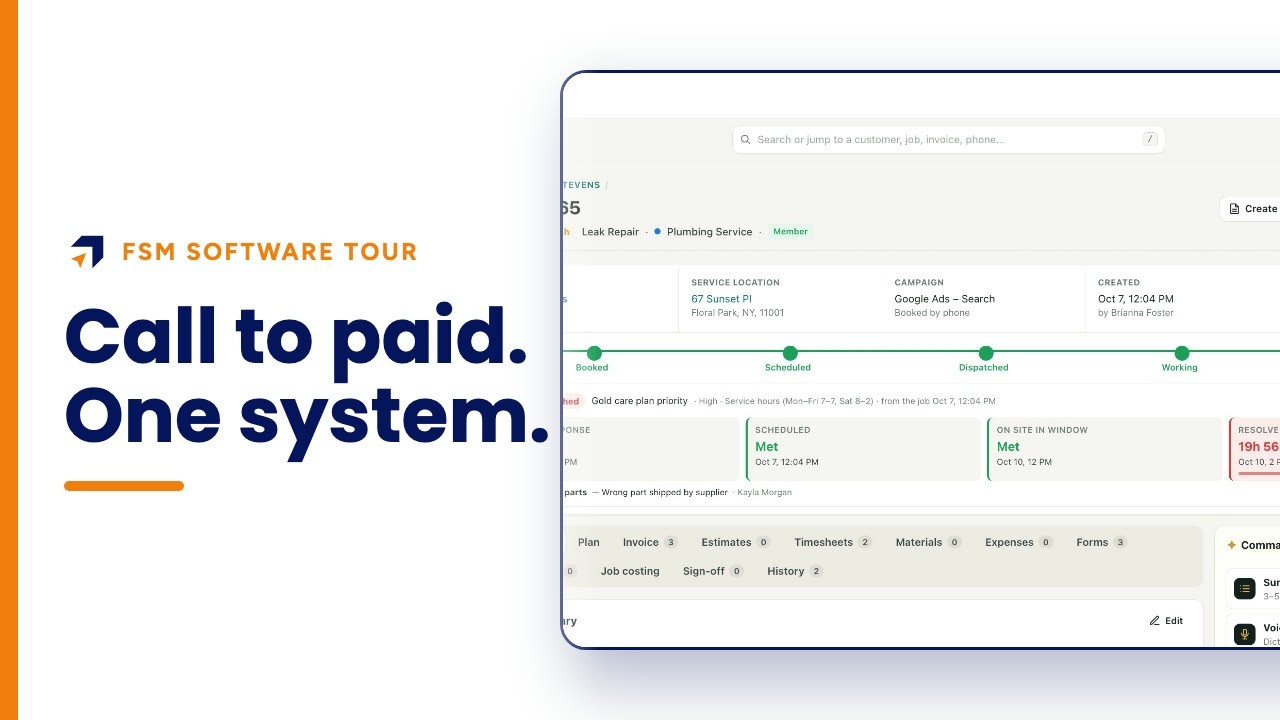
What does a field technician see on the phone app?
A field service app shows the technician their day: every stop in order and the next job marked. Opening a job shows the arrival window, address, status steps, office instructions, notes, the customer's equipment and job history, good-better-best options, care plans and the invoice.
This walkthrough opens the field app of Summit Home Services, a demo HVAC, plumbing and electrical company, in a browser. It follows one technician's day and one AC tune-up job through the job, customer, sell and invoice tabs.
Chapters
Summit Home Services is a demo company with fictional customers. Every screen is the real Fieldproxy product; some sequences are sped up.
Step by step
Sign in to your day
Each technician sees their own day: revenue today, jobs done, sales this week, and every stop in order with the next one marked.
Open the next job
One tap shows the arrival window, address and phone, the steps from dispatched to done, and the office's special instructions.
Add notes
Type or record a voice note in English or Spanish; the office gets an English copy. The job's history sits underneath.
Check the customer and equipment
The customer tab shows language preference, contact details, every unit at the address with model, serial, age and warranty, and past jobs there.
Offer options
Good, better and best options with prices, plus care plans and what each one saves, ready to show the customer.
Build the invoice
Add the work done from the same price list the office uses.
Questions people ask
- What should a field service technician app show?
- The day's stops in order, the next job, the customer's details and preferences, equipment and service history at the address, office instructions, notes, options to sell and the invoice.
- Can technicians see equipment history in the app?
- Yes. In this example the customer tab lists each unit at the address with make, model, serial number, install date, age and warranty, plus past jobs at that location.
- Can technicians write notes in Spanish?
- Yes. Notes can be typed or spoken in English or Spanish, and the office gets an English copy automatically.
- Can technicians sell upgrades in the field?
- Yes. The Sell tab shows good, better and best options with prices, and care plans with their discounts, ready to show the customer.
- Is this the phone app?
- This video shows the field app opened in a web browser so it can be recorded. Technicians use the field app on their phones.
- Is Summit Home Services a real company?
- No. Summit is a demo company with fictional customers. The screens are the real Fieldproxy product, recorded live and sped up.
Transcript
Show
- 0:00What does a technician actually see in a field service app?
- 0:04Their day, and everything about the next job: the stops in order, the customer, the equipment, past visits, options to sell, and the invoice.
- 0:14Here's the field app at a demo heating and plumbing company, opened in a browser.
- 0:21No more calling the office to ask where to go next. Each technician signs in to their own day: revenue, jobs done and sales this week on top, then every stop in order, with the next one marked.
- 0:35One tap opens the job: the arrival window, the address, the steps from dispatched to done, and the office's note. Park in the driveway.
- 0:45Notes can be typed or spoken, in English or Spanish, and the office gets an English copy. Below, everything that already happened on this job.
- 0:57The customer tab answers questions before the door opens. Sophia prefers Spanish.
- 1:03And here is every piece of equipment at the address, with model, serial, age and warranty. The water heater is sixteen years old and out of warranty.
- 1:14Plus every past job at this address: a no-cool call in June, and a kitchen drain before that.
- 1:22Selling is built in. Good, better and best options, from a hundred and forty-nine dollars to nine hundred and ninety-two, ready to show the customer.
- 1:31And if they're not a member yet, the care plans are right there, with what each one saves.
- 1:38The invoice is built on site from the same price list. Then it's back to the day, and on to the next stop.
- 1:47Everything a technician needs, and nothing they don't. Get your own custom field service management within a day, tailored to your workflows. Start at fieldproxy dot ai.