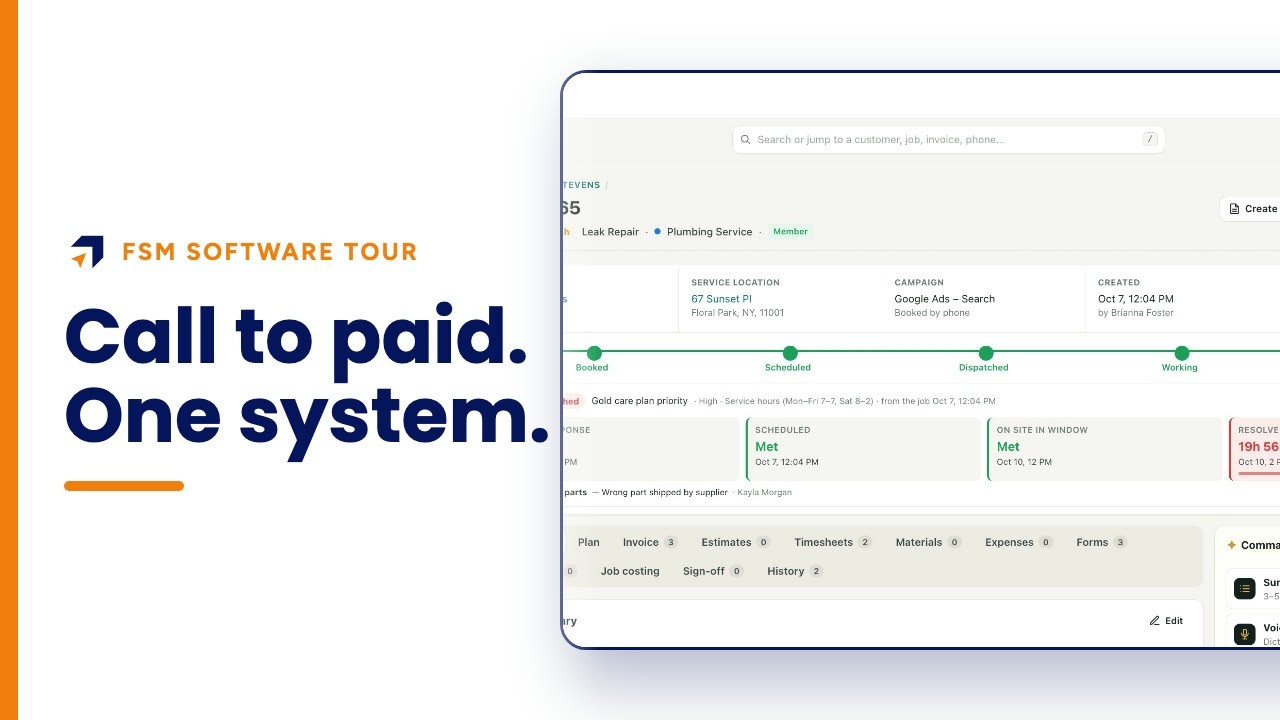
What should a work order include?
A work order should include the customer and address, the problem and priority, the visit and technician, equipment on site, required checklists, the customer's signature, a history of every change, and the location with directions. In Fieldproxy all of it sits on one job page.
This walkthrough opens one completed no-heat work order at Summit Home Services, a demo HVAC, plumbing and electrical company: the header and service promises, the work and equipment, checklists and signatures, project plans, history and location.
Chapters
Summit Home Services is a demo company with fictional customers. Every screen is the real Fieldproxy product; some sequences are sped up.
Step by step
Start with the header
Customer, service address, campaign, who booked it, the job total, the stage tracker from booked to completed, and service-level timers.
Describe the work
The problem, who sold it, the appointment with its technician and arrival window, and the equipment at the address with age and warranty.
Attach checklists
Required forms such as a pre-job safety checklist and a completion walkthrough must be finished before the job can close.
Capture the sign-off
The option the customer chose, who signed and when, payments and the customer review.
Plan bigger jobs
Multi-day work gets phases with dates, an owner and a checklist each.
Keep the history and location
Every status change is recorded with who and when; the address is pinned on a map with coordinates and directions.
Questions people ask
- What is a work order in field service?
- The record of one job: who the customer is, where, what needs doing, who is going and when, what was done and signed for, and what it cost.
- Is there a free work order template?
- Yes. Fieldproxy publishes free service order templates at fieldproxy.ai/service-order-templates; in the software the work order fills itself from the booking.
- Can technicians fill checklists on the work order?
- Yes. Technicians fill forms on the phone and the office can correct any answer on the job page. Required forms must be completed before the job can be completed.
- Does the work order keep a history?
- Yes. Every note and every field change is recorded with who made it and when, and you can filter to field changes only.
- How long does it take to set up?
- Fieldproxy builds your own field service management system around your workflows, and it can be live within a day.
- Is Summit Home Services a real company?
- No. Summit is a demo company with fictional customers. The screens are the real Fieldproxy product, recorded live and sped up.
Transcript
Show
- 0:00What should a work order include? Who the customer is and where, what's wrong, who's going and when, the checklists and signatures, the equipment, and a record of every change. Here's one work order, all on one page, at a demo heating and plumbing company.
- 0:17No more paper tickets, missing details or calls back to the office.
- 0:21The top of the work order says it all: a high-priority no-heat call for Christine Thompson in Roslyn, a care plan member, booked by phone. Every stage from booked to completed is tracked, and so is every service promise: first response, scheduled, on site in the window, and resolved. All met.
- 0:40Below it, the work itself: what's wrong, who sold it, the visit with its arrival window and the technician who did it, and the equipment at the address.
- 0:49A fourteen-year-old air handler, out of warranty and in poor condition, and a two-year-old boiler that's still covered.
- 0:57Forms are part of the work order, not a separate binder. A safety checklist before any work starts, and a completion walkthrough with the customer's sign-off before the technician leaves. Marcus filled in both. Required forms have to be finished before the job can close, and the office can correct any answer right here.
- 1:18Sign-off keeps the proof in one place: the option the customer chose, who signed it and when, any payments, and the customer's review.
- 1:27Bigger jobs get a plan, built from a template: phases with planned and actual dates, an owner and a checklist each. A system replacement, for example, is five phases and nineteen checklist items over about nine days.
- 1:41History records who changed what, and when. Dispatched, en route, working, done, each with a name and a time.
- 1:48And the service location is pinned on a map, with the exact coordinates, the zone, and one-tap directions for whoever goes next.
- 1:57Everything about a job, on one page your whole team can see.
- 2:01Get your own custom field service management within a day, tailored to your workflows.
- 2:06Start at fieldproxy dot ai.