
GPS Timesheets & Mileage
GPS timesheet verification for technicians, without tracking them all day.
Check every hour a technician claims against when they actually checked in and out at the job, inside a geofence around the site. Lines that match your rule are approved; only the mismatches go to a manager, with the map, both times and the technician's reason. GPS trips become mileage claims, approved hours go to payroll by job and pay code, and location is recorded at work, not around the clock. Set up around your pay rules and live within a day.
 Timesheets · week to FridayLive
Approval queue · exceptions only
4 records
Line
Claimed vs on site
Check
Dev K. · WO-90412
Elm Street Clinic
2.0 h vs 1.9 h
Dev K. · WO-90419
Harbour Point
4.0 h vs 2.1 h
Ana R. · WO-90398
Northwind Depot
Check-in 900 m out
Sam C. · Trips
Tuesday
41 mi from GPS
Two lines to review, not the whole week.
Only the lines that break your rule reach a person.
Watcher Agent
Watching
Task
What it checked
Action
2 lines sent for review
The manager sees the map, both times and the reason.
In buyers' own words
Checking hours by hand is someone's whole day.
Lines from our own sales calls with field service companies, lightly trimmed. Names and identifying details are left out.
“I've got a manager verifying everybody's job, every job they did, every place they went. He'll spend all day doing that.”
Commercial HVAC and refrigeration contractor
In Fieldproxy: every line is compared automatically with the GPS check-in and check-out on the job. The manager opens only the lines that break your tolerance rule.“My tech could say, hey, I was here 2 hours, but then put that he had 4 hours on the job, and we're losing money there.”
Facility repair contractor working for retail chains
In Fieldproxy: claimed hours and on-site time sit side by side on the same timesheet line, so a 2-hour gap is a flag, not something found at month end.“We cannot be paying attention to all those vehicles and see if they're clocking in, clocking out, and changing the statuses.”
Commercial HVAC contractor
In Fieldproxy: check-in and check-out are steps on the job in the technician app. The timesheet and the job status come from the same tap, so there is nothing separate to watch.“They go to locations, and then track with our mileage in a spreadsheet.”
Field IT support team
In Fieldproxy: distance is logged from the phone's GPS trip by trip and turned into a mileage claim a manager approves.“We don't want them to feel like we're trying to watch them 24-7.”
Field service business owner
In Fieldproxy: location is recorded at job events and during the working trips you agree at setup, for example between the first check-in and the last check-out of the day. Not on days off, not overnight.“I need an expense auditor, I need a timesheet auditor, and it's like, no, no. There's gotta be a simpler way, right?”
Facility repair contractor
In Fieldproxy: the audit is a rule, not a person: a tolerance per job, travel and rounding rules, and the Watcher agent flagging what falls outside them.
How the check works
Claimed time against GPS time, on every job line.
Time is tied to the job, not to a separate clock-in app. That one choice is what makes the comparison automatic.
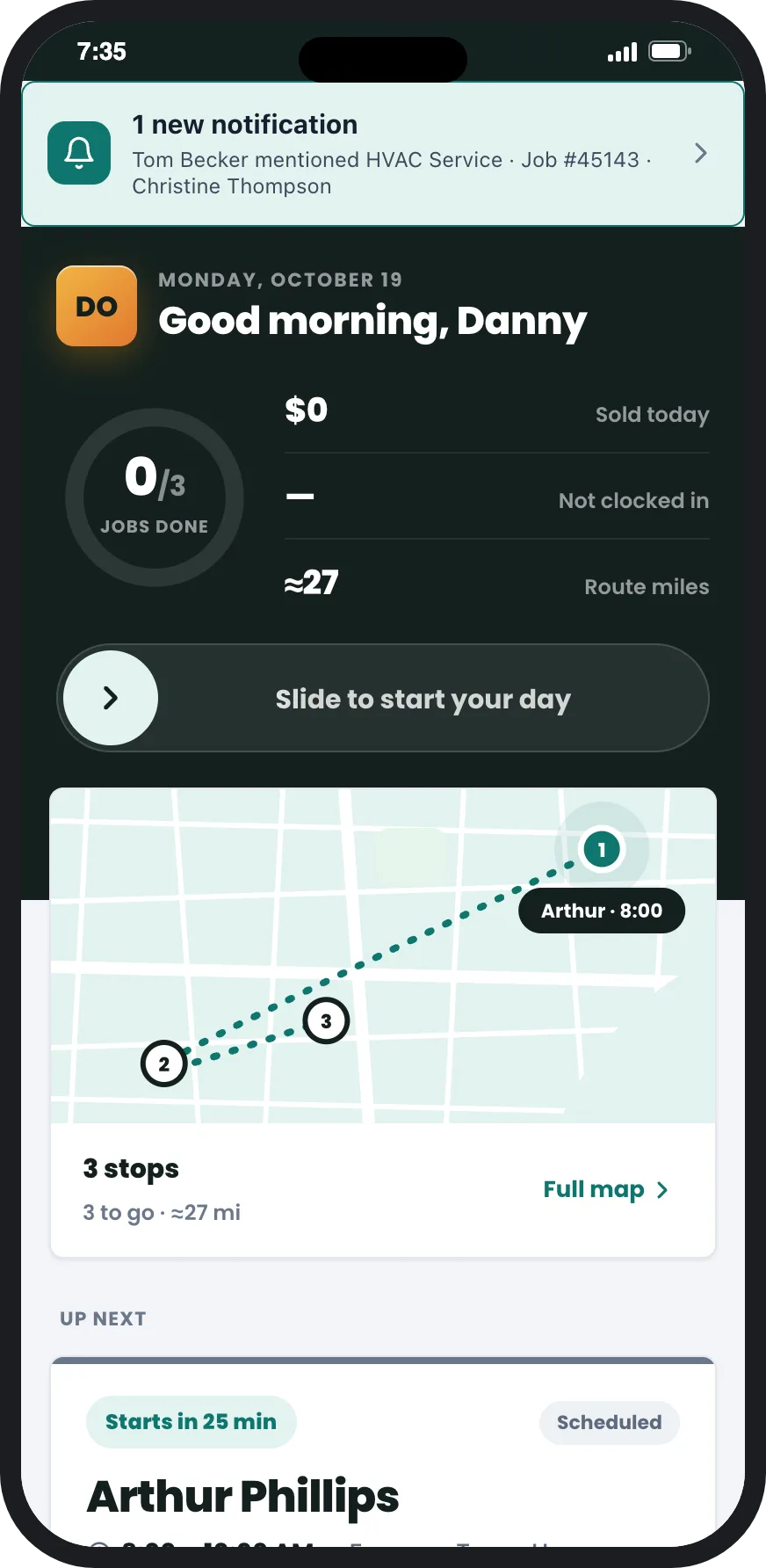
A geofence around every site
Check-in and check-out on the job
Hard block or soft flag
Claimed versus on site
Your tolerance rule
Manager approval for the rest
Mileage
Mileage per trip, as a claim someone approves.
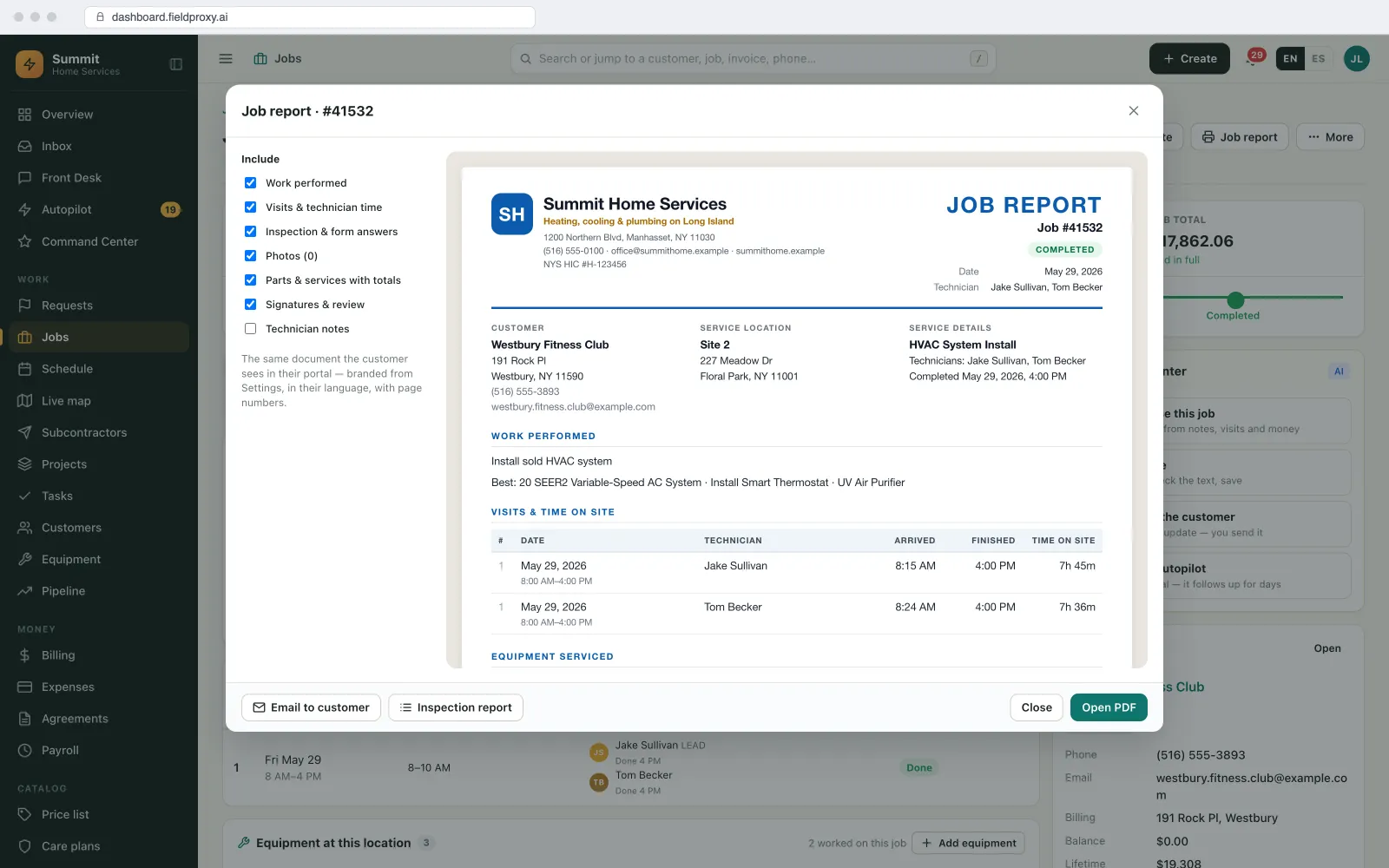
Replace the mileage spreadsheet with trips logged from the phone, tied to the jobs they were for.
Logged from GPS, trip by trip
Business trips only
Claims at your rate
Proof for the customer
Payroll export
Approved hours go to payroll once, by job and pay code.
The hours you approve are the hours on the job, so pay and job cost come from the same numbers.
Your pay rules
Export in your payroll's columns
Job cost from the same hours
Premium hours you can bill
Fairness and privacy
Fair to the technician, and clear about what is recorded.
GPS checks work when technicians trust them. These are the settings buyers asked about most.
Work time only
A reason, not an accusation
One rule for everyone
Their own record
Plain English
Describe the change. It goes live.
Tolerance rule set
15 minutes per job line
Flags go to the manager
With map, both times and reason
The rest auto-approved
From this pay period on
Live in
Built your way
Timesheets, mileage and proof of visit, set up to your pay rules.
The check runs on the job record your team already uses, so there is no second time clock to keep in step.
Geofence per site
Check-in on the job
Mismatch flags
Tolerance rule
Manager approval
Mileage claims
Payroll export
Pay rules
Work time only
See it built around how your team already works.
Get DemoPer job
Check-in and check-out
Exceptions
Are all a manager reviews
Work hours
The only time location is kept
Platform
Everything you need, in one platform
A complete field service suite, explore what's included.
Mobile App
Work Orders
Approval Workflows
Reporting & Dashboards
Dispatching & Scheduling
Subcontractor Management
Want it running on your jobs? We set it up around them.
Get DemoIntegrations
Plays nicely with the tools you already use
Payroll export
Approved hours in the columns your payroll provider imports.
Open API and webhooks
Send approved lines to any payroll or HR system that takes them.
Zapier
Approved timesheets or mileage claims as a trigger for your other tools.
MCP server
Ask Claude, ChatGPT or Copilot for flagged lines or miles per technician.
QuickBooks, Xero and Sage
Invoices and bills sync two-way; job cost uses the approved hours.
Reports for customers
Visits and time on site per site, for the customer who asks.
AI agents
The AI agents doing the checking
They flag and summarise. A person still approves the hours that get paid.
Watcher Agent
Compares every timesheet line with the job's check-in and check-out and flags the ones outside your rule: hours over on-site time, off-site check-ins without a reason, overlapping jobs.
Scheduler Agent
Emails the operations lead a weekly list of flagged lines and each person's miles for the month, so nobody has to build the report.
Command Center
Answers 'who had more than two flagged lines this month?' or approves all pending timesheets once the exceptions are cleared, with a confirm step and Undo.
See it built around how your team already works.
Get DemoWorked example
How a week of technician timesheets is checked against GPS
A commercial HVAC contractor pays technicians weekly. A service manager used to check every job against the truck GPS by hand. Here is the same week with the check built into the job.
- 1
Fences are set per site type
Street addresses get a 150 m fence and hard block. The hospital campus and the two malls get 300 m and a soft flag, because GPS inside large buildings is unreliable.
- 2
Technicians check in and out on the job
Dev taps check-in at Elm Street Clinic at 8:12 and check-out at 10:06. He claims 2 hours. The line shows 1 h 54 m on site, inside the 15-minute tolerance, and is approved without anyone opening it.
- 3
A mismatch is flagged
At Harbour Point, Dev claims 4 hours; check-in to check-out is 2 h 6 m. The Watcher agent flags the line with the map and both times. Dev's note says he went to the supply house for a part, and the trip log shows it.
- 4
The manager approves the exceptions
On Friday the manager sees 2 flagged lines out of the week's lines. He edits Harbour Point to 2.25 hours on site plus 1 hour of travel on the travel pay code, approves the second with its reason, then approves everything else with one confirm.
- 5
Mileage and payroll go out
Dev's GPS trips between the first check-in and the last check-out roll into a weekly mileage claim at the company's rate. Approved hours export by person, job and pay code in the payroll provider's columns.
The manager reviews two lines instead of checking the whole week, Dev is paid for the travel he actually did, and the Harbour Point job carries the real labour cost.
Names and figures in this example are demo data.
What you can change, and how
Fences
Fence size and hard block or soft flag per site type, set from your real sites.
Tolerance
How far claimed time can differ from on-site time before a line is flagged, per job type if you need it.
Pay rules
Rounding, paid travel, unpaid periods, overtime and after-hours pay codes.
Mileage
Which trips count, the rate per mile or kilometre, whether odometer readings are required, and the claim period.
Who approves
Which manager approves which team's lines, and what happens to lines nobody approves by the cutoff.
What technicians see
Whether each technician can see their own lines, flags and approved hours.
How it connects to the rest of Fieldproxy
Check-in and check-out are steps on the job, offline included.
Approved hours are the labour on each job.
Flagged lines wait for the right manager.
The step-by-step method, tolerances and the options on the market.
Prove a technician was on site
Fences, on-site codes, stamped photos and mileage without spying.
When this is not the right fit
- If your technicians are paid a fixed salary with no overtime and you never bill by the hour, a GPS check on hours adds little. Visit proof for customers may still be worth it.
- GPS inside large buildings and underground is unreliable. Use soft flags with a reason there, or the check will flag honest staff.
- Rules on recording employee location differ by country and state. Tell staff before roll-out and keep a written policy; we can help with the settings, not the legal advice.
- This checks hours against the job. If you need continuous vehicle telematics such as speed or harsh braking, that is a separate fleet tool.
Questions
Straight answers.
What is GPS timesheet verification?
It compares the hours a technician claims with the GPS check-in and check-out recorded at the job site, inside a geofence around that site. Lines inside your tolerance are approved; the rest go to a manager with the map, both times and the technician's reason.
How do I verify technician timesheets against GPS automatically?
Tie every time entry to a job, record check-in and check-out on the job inside a geofence, set a tolerance per job, and let the software approve lines inside it and flag the rest. In Fieldproxy the Watcher agent does the comparison and a manager reviews only the exceptions.
What is the best mileage tracking for field technicians?
One that logs distance from the phone's GPS trip by trip, ties each trip to the jobs it served, leaves out the commute by rule, and turns the month into a claim a manager approves. That replaces the spreadsheet and gives you a record per trip if a claim is ever questioned.
Do technicians get tracked all day?
No. Location is recorded at job check-in and check-out and on the working trips you agree at setup, for example between the first check-in and the last check-out of the day. Nothing is recorded on days off or overnight.
What happens when the GPS is wrong at a large site?
Use a soft flag for that site type: the check-in goes through, marked off site, and the technician gives a reason. Hard blocks are kept for sites where GPS is reliable.
Can approved hours go straight to payroll?
Yes. Approved lines export per person, job and pay code in the columns your payroll provider imports, or go out through the open API or Zapier. We set the export up with you.
Does this work offline?
Yes. The app stores check-in and check-out with the time and position on the phone and syncs when signal returns.
How accurate does GPS need to be for timesheet checks?
Accurate enough to tell whether the phone was inside the site's fence. That is why fence size is set per site type and large or indoor sites use a soft flag with a reason instead of a hard block.
Can mileage be claimed per trip?
Yes. Each GPS trip is recorded with its distance and the jobs it served, and trips roll into a claim per person per week or month at your rate, which a manager approves.
What if a technician forgets to check out?
The line is flagged as missing a check-out, and the technician or manager adds the time with a note. The flag stays on the line's history.
Stop checking hours by hand.
Send us one pay period of timesheets and job addresses. We set up the fences, your tolerance and pay rules, and run it against that week, live within a day.
Also works from ChatGPT, Claude and Copilot in Teams
Fieldproxy's MCP server lets your team run the day and change the software itself from the AI assistant they already use, with a confirm step before anything changes.