How do you create an invoice the moment a job is done?
Don't build it from scratch. In field service software like Fieldproxy, the work and parts on the job are already the invoice's line items, at price list prices, so when the technician completes the job the office checks the invoice, prints or posts it, and records the payment.
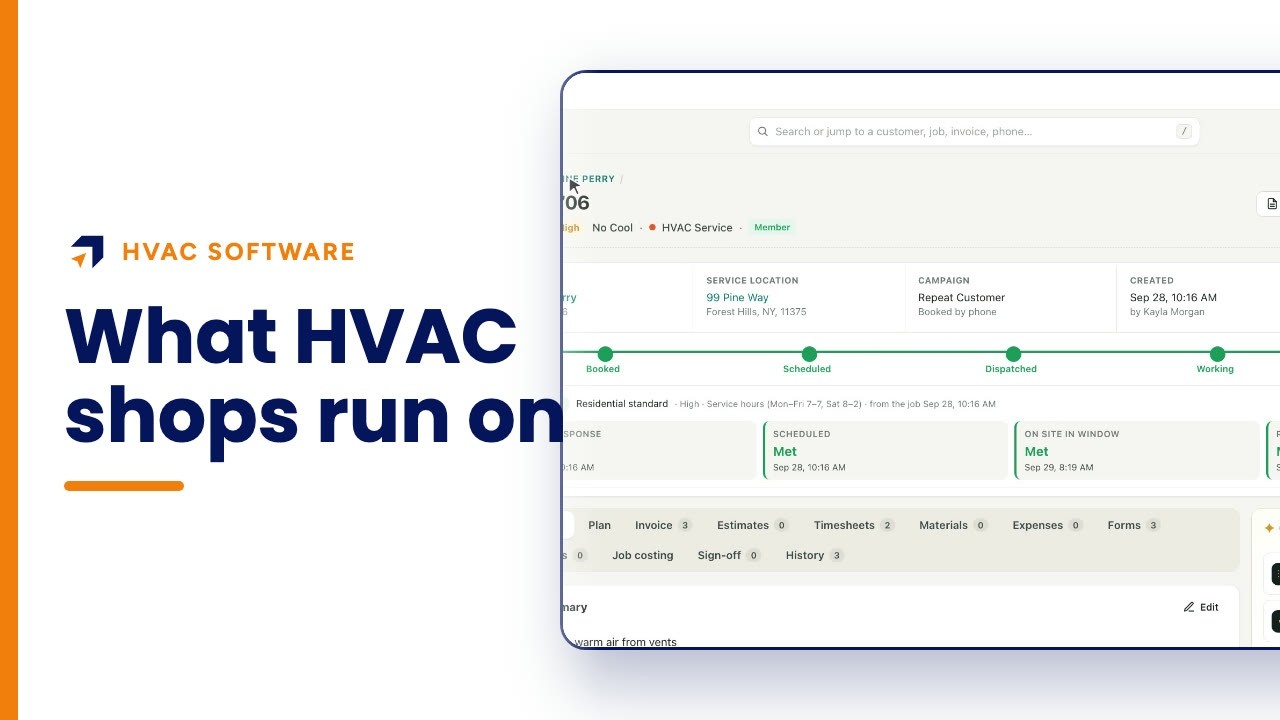
This walkthrough opens a completed no-cool call at Summit Home Services, a demo HVAC company, and follows its invoice: the lines already on the job, the full invoice with reminder dates and late fee, the branded PDF, taking payment and the billing list.
Chapters
Summit Home Services is a demo company with fictional customers. Every screen is the real Fieldproxy product; some sequences are sped up.
Step by step
The technician completes the job
The job page shows it completed, with the job total and the amount still due.
Check the invoice lines on the job
The invoice tab already lists the work done, here a diagnostic and a new run capacitor, priced from the price list.
Open the full invoice
Subtotal, tax, total and balance due, with lines still editable while the invoice is pending.
Review reminders and late fees
Reminder dates are set from the due date, and the late fee rule shows when it would apply.
Print the PDF
One click makes a branded invoice PDF with the customer, the job and the technician.
Record the payment
Take payment opens with the balance already filled in; pick the method and record it.
Questions people ask
- How do I make an invoice from a completed job?
- In Fieldproxy the job's work and parts are already on its invoice. Open the job's invoice tab or the invoice itself, check the lines, then print, post or take payment.
- Do I have to retype line items?
- No. Items come from your price list with their prices, and you can still add a line from the price list or a custom line while the invoice is pending.
- Can I send customers a PDF invoice?
- Yes. The invoice PDF is one click and carries your branding, the customer, the service location, the job and the technician.
- Does it handle reminders and late fees?
- Each invoice shows a reminder schedule from three days before the due date to thirty days after, and a late fee rule with the date it becomes eligible.
- How long does it take to set up?
- Fieldproxy builds your own field service management system around your workflows, and it can be live within a day.
- Is Summit Home Services a real company?
- No. Summit is a demo company with fictional customers. The screens are the real Fieldproxy product, recorded live and sped up.
Transcript
Show
- 0:00How do you create an invoice the moment a job is done? You don't build it from scratch.
- 0:05The work on the job is already on the invoice when the technician closes it out, so the office just checks it, prints it and collects. Here's a real one, from a demo heating and cooling company.
- 0:19Danny closed out this no-cool call at ten in the morning. The job page shows every stage done, and three hundred seventy-eight dollars still due.
- 0:29The service clock was met from first response to resolution, so the customer got what was promised, and the office can bill it straight away.
- 0:38Open the invoice tab, and the lines are already there: the diagnostic and the new run capacitor, at price list prices. Nobody retyped a thing from a paper ticket.
- 0:50One click opens the full invoice: subtotal, tax, total and the balance due.
- 0:56While it's pending, every line is still editable, and anything extra comes straight from the price list.
- 1:05Getting paid on time is built in. The reminder dates are set from the due date, from three days before to thirty days after, and the late fee rule shows exactly when it would apply.
- 1:18Need it on paper? The branded PDF is one click, with your logo, the customer, the job and the technician who did the work.
- 1:27When the customer pays, the amount is already filled in. Pick how they paid, add a reference like a check number, and record it.
- 1:35And Billing keeps every invoice in one list: what's pending, what's owed, what's over sixty days, and how fast customers pay.
- 1:45Here, one point one days. Nothing slips between the field and the office.
- 1:51Job done, invoice ready. Get your own custom field service management within a day, tailored to your workflows. Start at fieldproxy dot ai.