How do you run a bilingual field service crew in English and Spanish?
Use one system everyone can switch between English and Spanish. The office and the technician app change language in one click, notes written in Spanish show an AI English translation for the office, each customer keeps a preferred language, and AI writes customer texts in Spanish.
This walkthrough shows a bilingual crew in Fieldproxy at Summit Home Services, a demo company: the office in Spanish, the technician app in Spanish, Spanish field notes with AI English translations, a Spanish-speaking customer and AI translation in Command Center.
Chapters
Summit Home Services is a demo company with fictional customers. Every screen is the real Fieldproxy product; some sequences are sped up.
Step by step
Switch the office language
The EN / ES switch turns every screen, label and AI summary into Spanish or back, on the same live data.
Run the technician app in Spanish
The field app shows a technician's day, visits and job steps in Spanish.
Read Spanish notes in English
Notes written in Spanish show the original plus an English AI translation, marked translated from Spanish.
Record the customer's language
A customer marked as Spanish-speaking carries a Speaks Spanish tag and a reminder to write and talk to them in Spanish.
Ask AI to translate
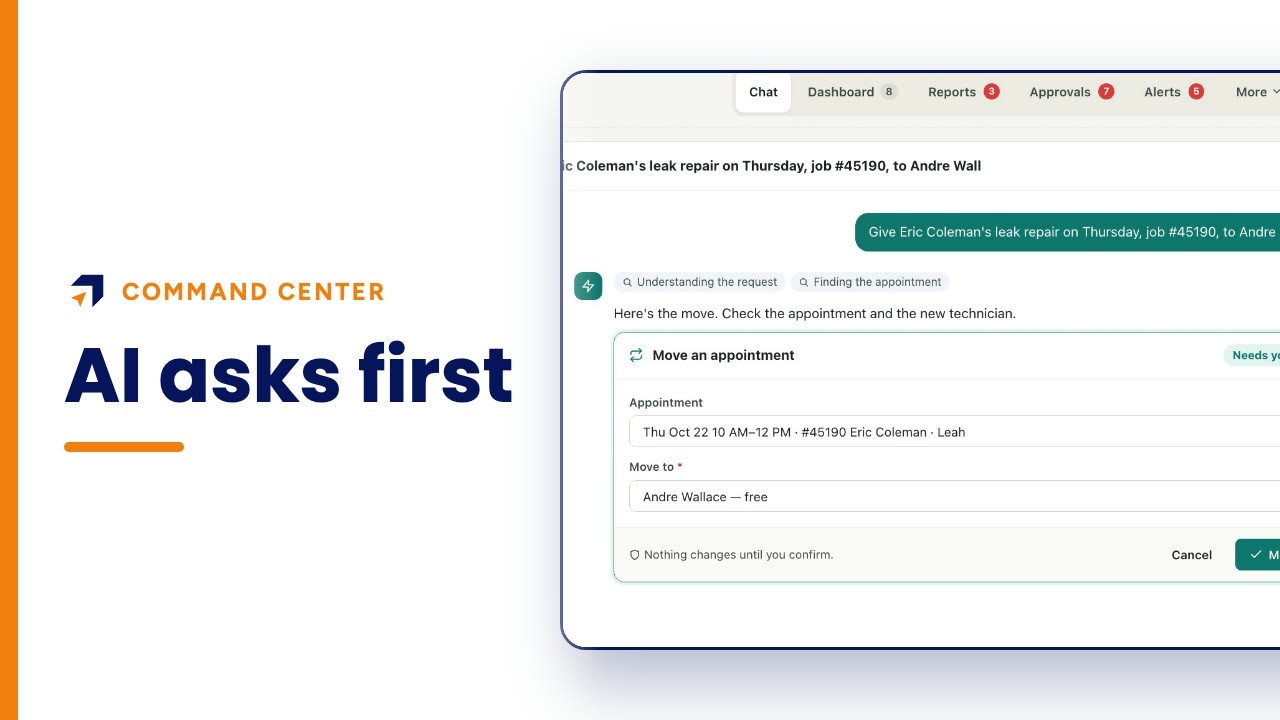
In Command Center, paste a Spanish note to get English, or ask for a customer text in Spanish; nothing is sent without your check.
Questions people ask
- Can field service software run in Spanish?
- Yes. In Fieldproxy every user can switch the office screens and the technician app between English and Spanish with one click, on the same data.
- How does the office read notes technicians write in Spanish?
- Each Spanish note keeps the original and shows an English translation by AI underneath, marked translated from Spanish.
- Can I text customers in Spanish?
- Customers carry a preferred language. Command Center can write a text in Spanish from an English request, for you to check before anything is sent.
- Do technicians need a separate app for Spanish?
- No. It is the same field app; the language switch changes every label, status and button.
- How long does it take to set this up?
- Fieldproxy builds your own field service management system around your workflows, languages included, and it can be live within a day.
- Is Summit Home Services a real company?
- No. Summit is a demo company with fictional customers. The screens are the real Fieldproxy product, recorded live and sped up.
Transcript
Show
- 0:00How do you run a crew where the office works in English and half the technicians, and plenty of customers, think in Spanish? Let everyone use the same system in their own language. One click switches the screens, the technician app runs in Spanish, notes written in Spanish reach the office in English, and AI translates both ways whenever you ask. Here's how it looks at a demo heating and plumbing company.
- 0:28This is the owner's overview, in English: revenue, jobs, the AI working in the background, today's appointments. Now say your dispatcher, or your new office manager, is more at home in Spanish.
- 0:43One click on E S, and the whole office switches. Resumen, Bandeja, Programar, Facturación. The same numbers, the same jobs, the same AI activity, every label in Spanish. Nothing is copied or duplicated. It's the same company, and anyone can flip back with one click.
- 1:04The schedule board follows along, so a Spanish-speaking dispatcher works the same board, the same technicians and the same jobs as everyone else.
- 1:14No second system, no copy to keep in sync.
- 1:18Technicians get the same choice, and it matters more for them: a tech who reads every screen in his own language makes fewer mistakes and finishes faster. This is the field app, shown here in the browser, in Spanish.
- 1:33Pick a technician, Nina Alvarez, and her day comes up: ingresos de hoy, trabajos hechos, ventas de la semana, and her next visits.
- 1:43Open the visit and everything a tech needs is in Spanish too: the customer, the address, the work, the steps to start and finish the visit.
- 1:51Start the visit, record the work, build the invoice and present options, all with Spanish labels. The tech never has to guess what a button does, and the office sees the same job in English.
- 2:03Here's where most bilingual crews lose information: in the notes.
- 2:07Elijah Scott's furnace tune-up was handled by Danny Ortiz, who writes the way he thinks, in Spanish. Open Elijah's page in the office, and the summary at the top is already in English: a cracked heat exchanger, and call fifteen minutes before you arrive.
- 2:24Open the notes and you see both. Danny's original Spanish stays exactly as he wrote it, and right under it is an English translation by AI, marked translated from Spanish.
- 2:35The heat exchanger has a small crack near the burner, a carbon monoxide risk, the equipment is shut off, and it needs a quote today. Hector's note says call fifteen minutes ahead, the dog is in the backyard, use the side door.
- 2:49Nothing gets lost between the truck and the office, and nobody had to retype a thing.
- 2:55Customers get the same respect. Adam Alvarez is tagged Speaks Spanish, and the summary at the top of his page tells whoever calls him: write and talk to him in Spanish. His preferred language is part of his record, so the AI uses it when it writes to him.
- 3:13Setting it takes one click on his account card: preferred language, Spanish. From then on, Autopilot writes the texts and emails it drafts for Adam in Spanish. Leave it unset and it stays English.
- 3:28Documents follow the customer too. Open the job report for Adam's replacement estimate visit, the same document he sees in his customer portal, and it comes out as an informe de trabajo: the headings, the dates, the status and the visit table all in Spanish, branded with your company details. The technician's own wording stays as he wrote it.
- 3:49And when you need something translated right now, just ask the assistant, in either direction.
- 3:57Paste Danny's Spanish note and ask for English. A cracked heat exchanger near the burner, a carbon monoxide risk explained to the customer, the system shut down, replacement recommended. Plain English, in seconds.
- 4:12Now the other direction.
- 4:16Ask for a text to Adam in Spanish, and it writes it in seconds: Monday the sixteenth, between nine and eleven, for his air conditioning.
- 4:24Nothing is sent from here; you decide where it goes.
- 4:28An office in English, a crew and customers in Spanish, and AI keeping everyone on the same page. Get your own custom field service management within a day, tailored to your workflows. Start at fieldproxy dot ai.