How do I book a service call in under a minute?
Paste or dictate what the customer said and let AI match the existing customer, pick the job type, priority and campaign, and write the problem. Then choose an arrival window that shows skilled technicians free, accept the suggested technician and click Book job.
This walkthrough books a leaking water heater call on Fieldproxy's booking screen at Summit Home Services, a demo HVAC, plumbing and electrical company, from the pasted message to the last click. Nothing was saved.
Chapters
Summit Home Services is a demo company with fictional customers. Every screen is the real Fieldproxy product; some sequences are sped up.
Step by step
Paste or dictate the message
Drop in what the caller said, or dictate it, on the Book a job screen.
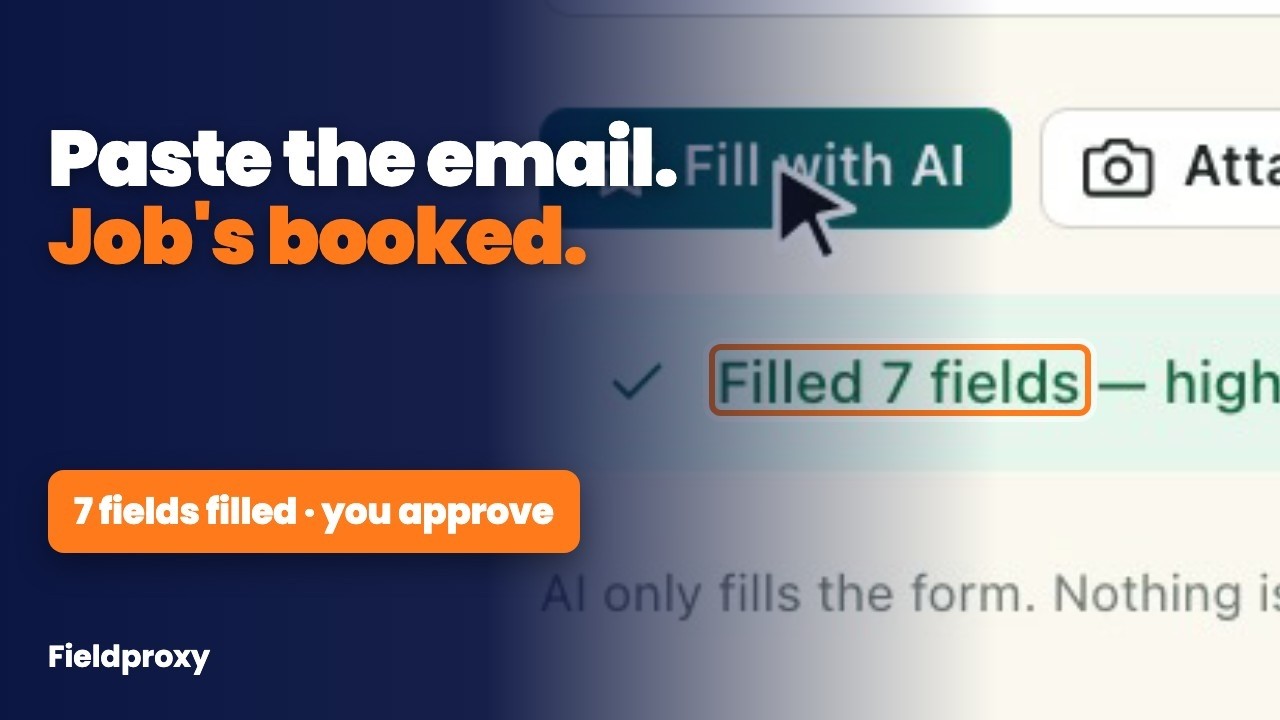
Fill the booking with AI
It matches the existing customer by phone, and fills job type, priority, campaign and the problem with the time asked for.
Check the customer card
Balance, lifetime revenue, open jobs, equipment at the address and recent jobs appear beside the form.
Pick an arrival window
Each slot shows how many technicians with the right skills are free for the whole job.
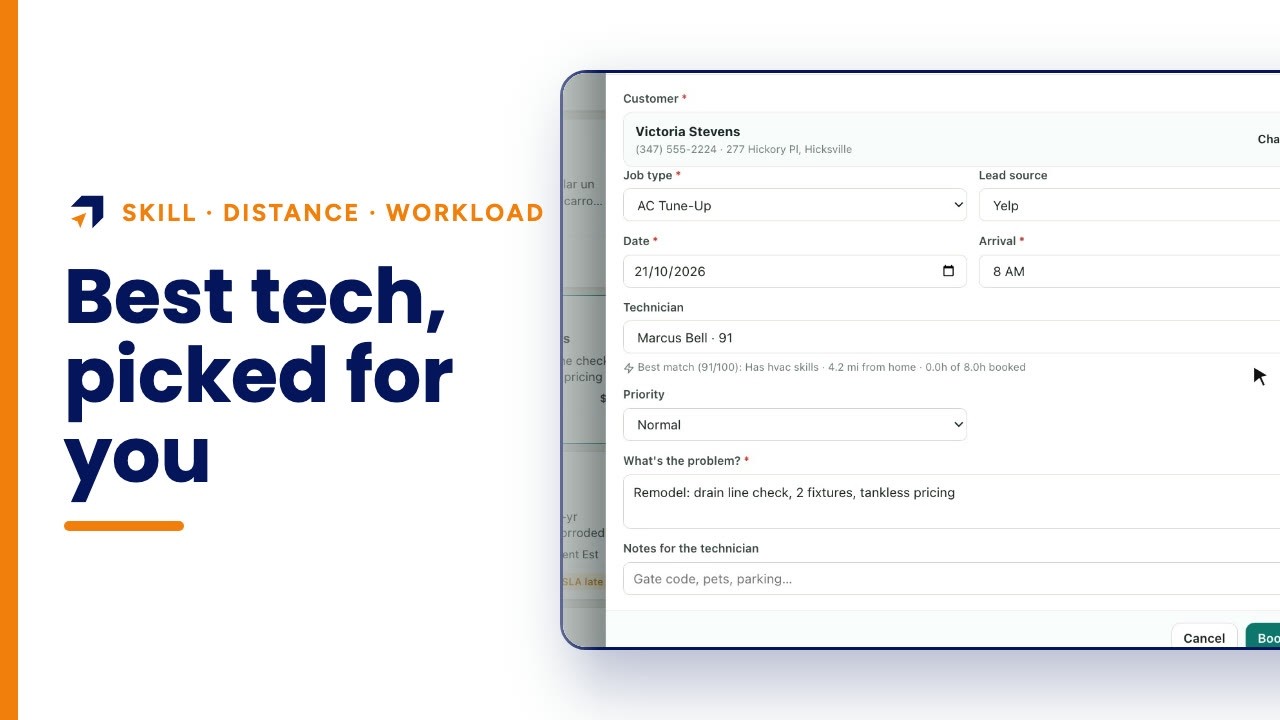
Accept the suggested technician and book
The best match is pre-selected with the reason; click Book job.
Questions people ask
- Does it create duplicate customers?
- When the caller's phone number matches an existing customer, the booking is filled for that customer and the screen says the existing customer was found.
- Can I dictate instead of typing?
- Yes. The booking screen has a Dictate button next to the message box.
- How does it pick the arrival window?
- You pick it. Each window shows how many technicians with the job type's skills are free for the whole job, and the best match is pre-selected.
- Can the AI book jobs on its own?
- Web and text requests can be read and booked by Autopilot rules you switch on; on this screen a person checks and clicks Book job.
- How long does it take to set up?
- Fieldproxy builds your own field service management system around your workflows, and it can be live within a day.
- Is Summit Home Services a real company?
- No. Summit is a demo company with fictional customers. The screens are the real Fieldproxy product, recorded live and sped up; the booking was not saved.
Transcript
Show
- 0:00How do you book a service call in under a minute? Don't retype what the customer said.
- 0:06Paste it or dictate it, let AI find the customer and fill in the booking, then pick an arrival window that already has the right technician free.
- 0:15Here's a real booking screen at a demo plumbing and heating company.
- 0:22A customer calls: her water heater is leaking. Paste what she said, and click Fill the booking.
- 0:30About four seconds later, it has matched her phone number to the customer already on file, Carol Gray, so there's no duplicate record. It picked the job type, water heater repair, set the priority to high and the campaign to repeat customer, and wrote up the problem with the time she asked for. Her balance, her lifetime revenue and her contact details are right beside it.
- 0:52You check it, you don't type it.
- 0:55Then the arrival window, right next to the equipment on file at her address.
- 1:00Every slot, for the whole week, shows how many technicians with the right skills are free for the entire job, so you never offer a time nobody can keep.
- 1:12Pick Thursday, eight to ten, and it pre-selects the best technician for it: Andre Wallace, who has plumbing skills, is about eleven miles away, and has nothing else booked that morning.
- 1:25All that's left is one click on Book job. For this video we stopped here, so nothing was saved.
- 1:34Calls booked while the customer is still on the phone. Get your own custom field service management within a day, tailored to your workflows. Start at fieldproxy dot ai.