How does a plumbing job get from the first call to cash in the bank?
Customers book a free arrival window online, the office assigns the first free plumber with the right skills, required checklists must be done before the job can be completed, the technician takes payment on site, and a list of finished jobs with no posted invoice catches anything never billed.
This walkthrough follows a plumbing business at Summit Home Services, a demo company on Fieldproxy, through six steps on real screens: online booking, dispatch, on-site checklists, payment before the truck leaves, jobs nobody invoiced, and where the money stands.
Chapters
Summit Home Services is a demo company with fictional customers. Every screen is the real Fieldproxy product; some sequences are sped up.
Step by step
Let customers book online
One booking link: the customer picks a service and a two-hour arrival window that comes from the real schedule.
Book it with the right plumber
The request is checked against the schedule and the first free technician with the right skill is assigned.
Make the checklist part of the job
Required safety and completion checklists, with the customer's signature, must be done before the job can be completed.
Get paid before the truck leaves
The technician takes the card on site; the invoice shows the payment, who collected it and a zero balance.
Catch jobs never invoiced
Ask for completed jobs with no posted invoice, then invoice the ones you pick in one step.
Check where the money stands
Billing shows what is owed and how fast customers pay; reports flag job types that lost money.
Questions people ask
- Can plumbing customers book online?
- Yes. A public booking link lets them pick the service and a two-hour arrival window from the real schedule, and the request lands with the office to book.
- How do I make technicians complete checklists?
- Mark forms as required. In this example the safety checklist and the completion walkthrough with signature are required, and the job cannot be completed until they are done.
- Can technicians take payment on site?
- Yes. Here a $5,982.68 water heater install was paid by card ten minutes after completion, and the invoice shows who collected it.
- How do I find jobs that were never invoiced?
- Ask Command Center which completed jobs have no invoice. It lists every finished job with no posted invoice and can invoice the ones you choose, with Undo.
- How long does it take to set up?
- Fieldproxy builds your own field service management system around your workflows, and it can be live within a day.
- Is Summit Home Services a real company?
- No. Summit is a demo company with fictional customers. The screens are the real Fieldproxy product, recorded live and sped up.
Transcript
Show
- 0:00How does a plumbing job get from the first call to cash in the bank without anything falling through the cracks? Let customers book themselves, get the right plumber on it in one step, make the checklist part of finishing the job, take the money before the truck leaves, and have the system catch every job that was never invoiced. Here's each of those steps, on real screens.
- 0:26It starts before anyone picks up the phone. Plenty of customers would rather book a plumber at ten at night than wait on hold at nine in the morning, and every call that goes to voicemail is a job that goes to someone else.
- 0:39So Summit puts one booking link on its website, its Google profile and every email signature.
- 0:46This is what the customer sees. Pick what you need, from a clogged drain to a leaking water heater, then pick a two-hour arrival window. The windows aren't made up: they come from the real schedule, so a customer can only pick a time when a technician with the right skills is actually free. A hundred and twenty-eight open windows over the next seven days, kept up to date on their own.
- 1:12When someone books, it lands with the office. Marco's kitchen sink drains slowly and gurgles when the dishwasher runs, and he picked Monday, twelve to two.
- 1:23Open it, and the booking is ready to go: the type of work set to drain cleaning, his window re-checked against the schedule right now, and the first free technician with drain skills assigned when you book. He's a new customer, so his record is created at the same time. One click on Book it.
- 1:43For this video, we left it unbooked.
- 1:47And the customer isn't left wondering. On the day, the office sends a track-your-technician link. This one is for a real visit on the schedule: who's coming, here Nina, the lead technician, the arrival window, the address, and a live map of where she is once she's on the way. If it's not convenient, there's one button to ask the office to call.
- 2:11Not every job comes in online. Carol calls: her kitchen drain is clogged, and she wants tomorrow morning.
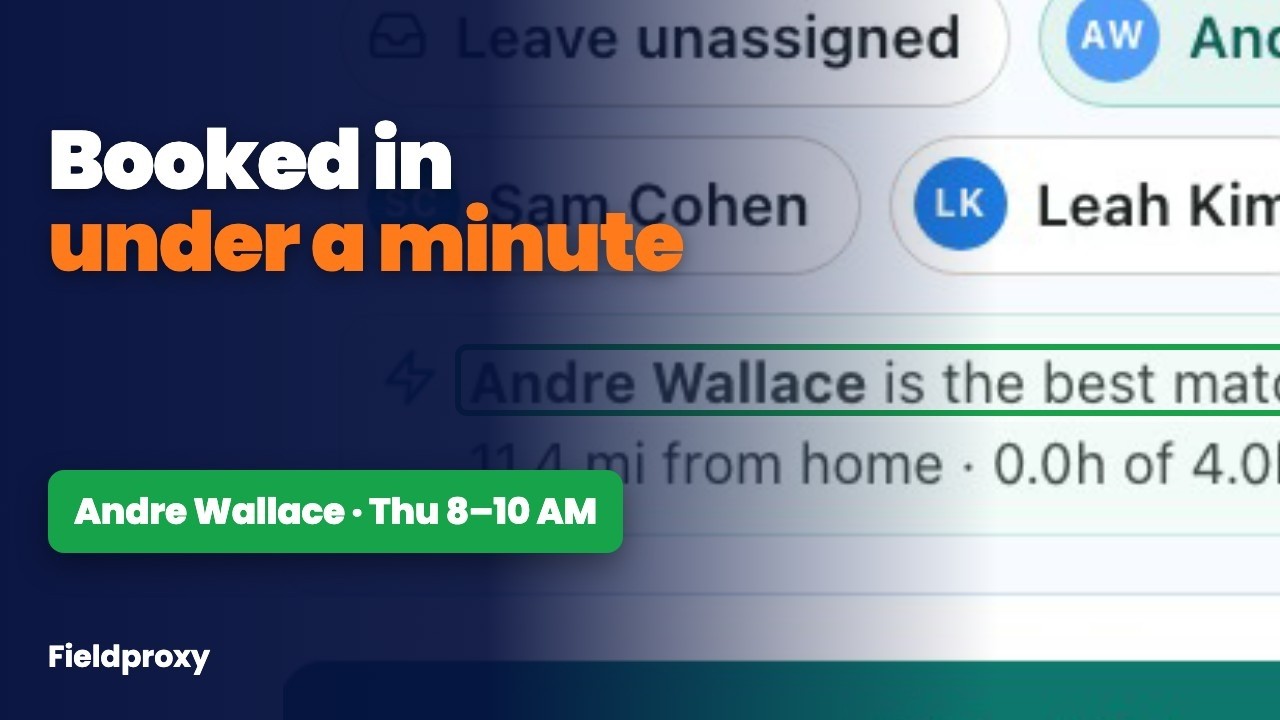
- 2:20Type it the way you'd say it. Command Center finds Carol on file, fills in a drain cleaning for tomorrow at eight, and picks the best free technician: Victor Petrov, a ninety-four out of a hundred match. He has drain skills, he's five and a half miles from home, nothing else is booked that day, and he's already been to Carol's once. Every technician without the skill is marked, so nobody sends an electrician to a clogged sink. Nothing is booked until you confirm.
- 2:49Confirm, and it's booked: a job number, Victor Petrov, Friday at eight.
- 2:55And it's already on tomorrow's schedule board, on Victor's row, where the dispatcher sees it with everything else he has that day.
- 3:03Booked the wrong day? Every change Command Center makes has an Undo.
- 3:07We pressed it here, so Carol's demo booking is cancelled and the board is back the way it was.
- 3:14On site, the technician works from the phone app, so here's the office side of a job from last week, a furnace tune-up Marcus Bell is finishing.
- 3:23The checklists are part of the job, not a separate binder. A safety checklist before any work starts, and a completion walkthrough with the customer's signature before he leaves. Both are required, and the rule is right there: the job can't be marked complete until the required forms are done. Marcus filled in both, so this one is ready to close.
- 3:47Open the safety checklist and you see exactly what Marcus answered before he touched anything: PPE on, the work area clear of hazards, shoe covers down, a carbon monoxide monitor reading zero, and the power and gas isolated, each one ticked done or pass, with who filled it in and when.
- 4:08You decide the rules in settings. Each form says which jobs it goes on, whether it's required, and whether it needs the customer's signature.
- 4:17The safety checklist and the completion walkthrough go on every job, and both are required, so a required form must be finished before the technician can mark the visit done. There's even a plumbing inspection for every plumbing and drain job.
- 4:32Now the money. Waiting thirty days for a check is how a busy month turns into a cash crunch, and every invoice that goes out by mail is one more thing for the office to chase. Take Terry's water heater install: booked by phone, the crew on site at seven fifty-five, completed at noon, every service promise met, and paid in full.
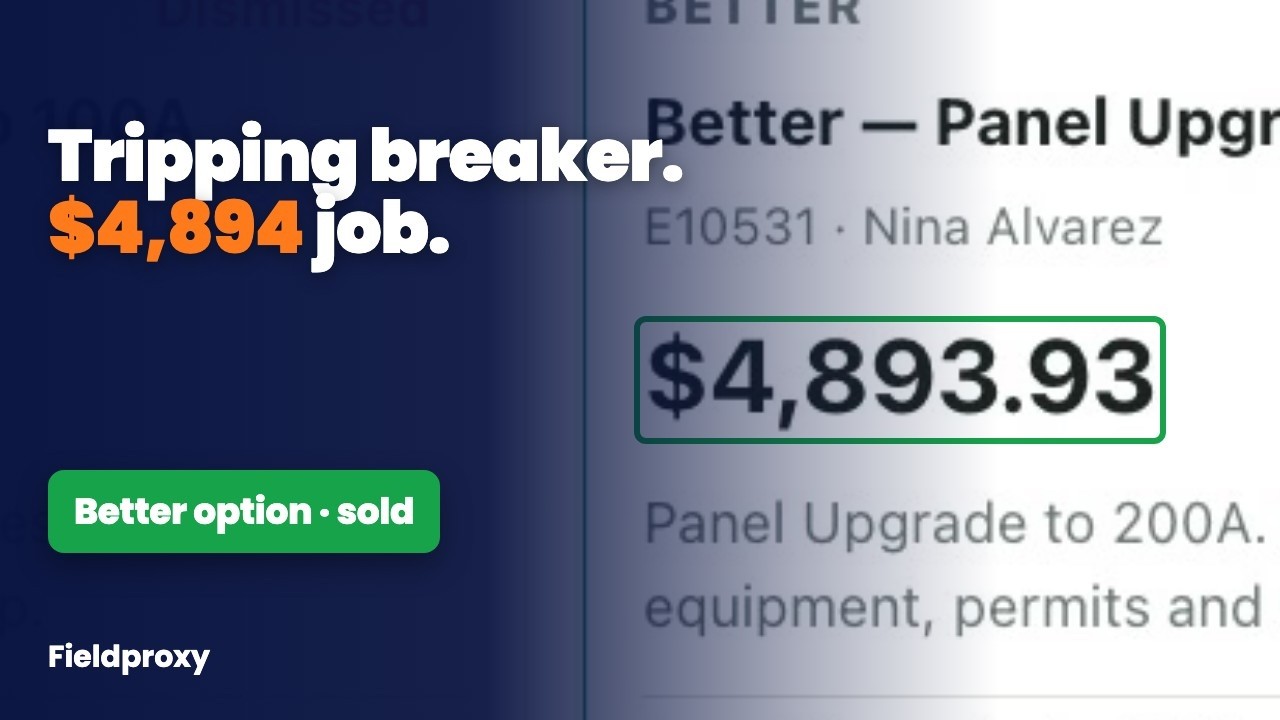
- 4:56The invoice shows how: a tankless water heater, five thousand nine hundred and eighty-two dollars with tax, paid by card ten minutes after the job was done and collected by Andre Wallace, the plumber who installed it. Balance due: zero.
- 5:11The money was in before the truck left the driveway, and the office didn't have to chase anything.
- 5:18And the job's history tells the whole story in two lines: booked by Luis in the office on October seventh, completed by Andre on the ninth at noon with the invoice for five thousand nine hundred and eighty-two dollars attached. Anyone in the office can see where a job stands without picking up the phone.
- 5:38Then there's the quiet leak in every service business: work that got done and never got billed.
- 5:45Ask, and you get the list: twenty-five jobs finished in the last sixty days with no posted invoice. Most have a draft sitting there, waiting for someone to check it and send it. Seven have no invoice at all, including four plumbing jobs from October eighteenth: two leak repairs and a fixture install for Ashley Patel, and a water heater repair at Lakeside Senior Living. Each one is work your team already did, and money you haven't asked for.
- 6:16Then tell it what to do with them.
- 6:19It lays out exactly what it will do: four jobs to invoice. A job with no invoice gets one, with any options the customer bought on it, and a job that already has a draft keeps it. Untick anything you want to skip. Nothing changes until you confirm.
- 6:36Confirm, and four invoices are ready for the office to price and send, instead of being found at year end, or never.
- 6:45Because this is a demo, we pressed Undo, and they're gone again.
- 6:51Every invoice then sits in one place: a hundred and eighty-four thousand dollars still owed across the business, fifty-five thousand of it more than sixty days late, so the office knows exactly who to call. And look at how fast job invoices get paid: under a day on average, because so many are paid on site, before the truck leaves.
- 7:15And the reports close the loop. Over the last thirty days, leak repairs and fixture installs cost more in labor and parts than they billed, the kind of thing you would never see from a pile of paper tickets. It even says what to check: your pricing, or the time on site. Fix that, and the next leak repair actually makes money.
- 7:39And all of it rolls up to the owner's first screen: revenue, jobs done, what's still owed, and what Autopilot handled while you were busy, so one plumbing job, and every job after it, is accounted for from the first call to the last dollar.
- 7:57Booked online, dispatched to the right plumber, checked off on site, paid before the truck leaves, and nothing left unbilled. Get your own custom field service management within a day, tailored to your workflows.
- 8:12Start at fieldproxy dot ai.